Find Doctor

Find Hospital

Login through VCDoctor mobile app

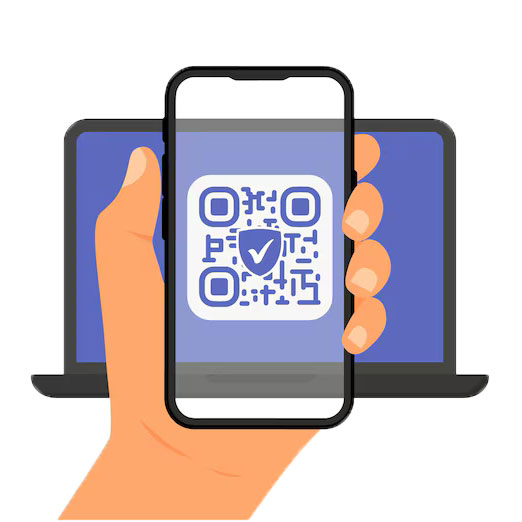
Secure Cross-Device Login with QR Code

Steps to log in

  1. Open the VCDoctor Android or iOS Mobile App.
  2. Ensure you're already logged in to your mobile app.
  3. Navigate to: Menu → QR Login or Web Login
  4. Scan the QR Code on Your Web Browser. Point your mobile scanner at the web QR code.
  5. Done! You’re Now Logged In on Web
  6. The web browser will automatically authenticate you and log in securely.
QR Code

Scan the QR code with your VCDoctor app.

logo img
  • Public Page
  • About Us
  • Feature
  • Contact
  • Login / SignUp
    Login
logo img

Are You ?

Patient

I am looking for my Health & Well being

Health Care Provider

We are Certified Health Care Provider

Practice Admin

We are Certified Health Care Professional

VCDoctor Healthcare Group

Welcome to the next generation of clinical management. Streamline workflows, manage patient records, and enhance care delivery with our integrated green-tech ecosystem.

Welcome to VCDoctor Healthcare Group, India

Login with Password
    

Email -

We'll send a verification code to your email address.

>

A 6-digit code has been sent to your chosen method.


Resend Code

Login Confirmation

You are already logged in with different device
Are you sure you want to continue ?

Download App

Contact

Links

Privacy Policy

T&C

    Address

    Copyright © . All Rights Reserved

    Message